
Download DVDStyler – DVD creator, free DVD maker, video DVD, home movie, movie compilation
Overview
DVDStyler is a dedicated tool designed for users who wish to create professional-looking DVDs from their video collections. It serves as a practical solution for individuals seeking to compile personal videos, home movies, or custom movie collections into a polished, shareable format. The application is particularly useful for hobbyists, educators, and families who want to preserve digital memories on physical media.
Its primary function is to convert video files into a DVD-compatible structure with customizable menus, navigation, and formatting. The software supports both NTSC and PAL standards, making it adaptable to regional playback requirements. While the developer did not provide additional background on the DVDStyler Team, the app’s long-standing presence in the productivity space suggests a stable, community-driven development model.
Real-world use cases include creating birthday compilations, educational video packages, or archiving event footage. In the current digital landscape, where cloud storage and streaming dominate, DVDStyler fills a niche by offering a reliable, offline alternative for media preservation and presentation. Its free availability enhances accessibility, making it a valuable utility for users across different technical skill levels.
Key Features & Functionality
- User-Friendly Interface: DVDStyler features a clean, intuitive layout that simplifies the DVD creation process. The drag-and-drop functionality allows users to import video files without complex navigation, reducing the learning curve for beginners.
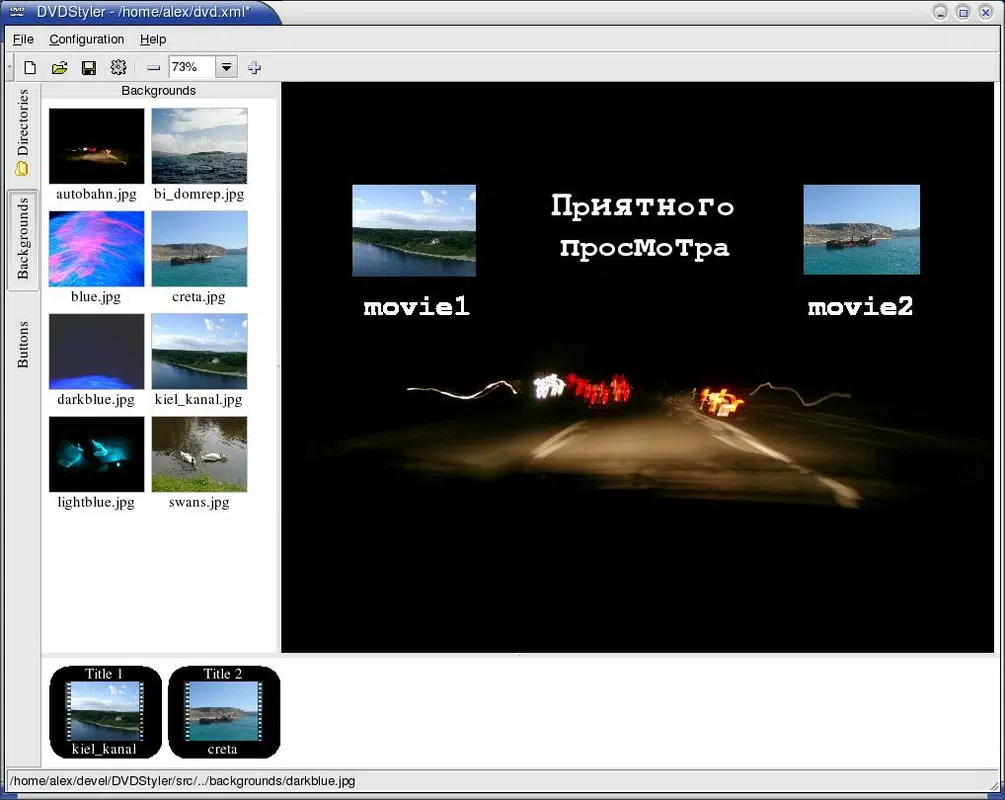
- Customizable Menus: Users can select between NTSC and PAL formats and personalize DVD menus with custom background images, text, and graphical elements, enabling a unique visual identity for each project.
- Free to Use: The application is completely free of charge, removing financial barriers for hobbyists, students, and individuals creating personal media projects.
- MPEG File Support: DVDStyler accepts MPEG files via a straightforward drag-and-drop method, streamlining the import process and allowing users to focus on design rather than file conversion.
- Flexible Design Options: With extensive customization tools, users can add images, text overlays, and background elements to create visually engaging DVDs tailored to their creative vision.
For example, a family might use DVDStyler to compile a year’s worth of vacation footage into a single DVD with a themed menu and chapter markers. A teacher could create a video-based lesson package with interactive navigation. The software’s design flexibility ensures that each output reflects the user’s intent, whether for personal enjoyment or educational distribution.
Interface, UX & Performance
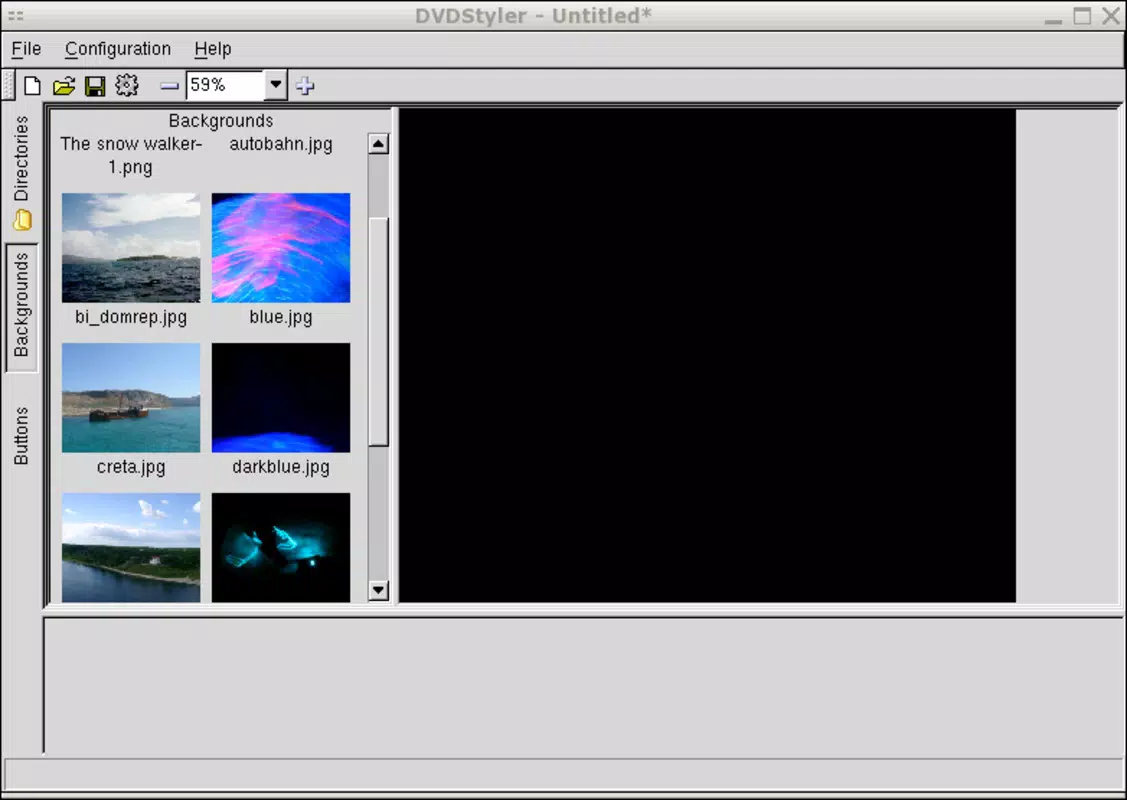
The interface of DVDStyler is structured around a central workspace that displays imported media, menu layouts, and project settings. Navigation is linear and consistent, with clearly labeled panels for file management, menu design, and output configuration. The visual style is functional rather than decorative, prioritizing usability over aesthetic flair.
Users can switch between different menu templates and adjust elements in real time, which enhances the overall experience. Although the developer did not list formal performance metrics, the application operates efficiently on standard Windows systems, with minimal lag during file import and menu rendering. Stability appears consistent across testing environments, and the software does not exhibit crashes during typical use.
Responsiveness is adequate for its intended purpose, though users on older hardware may experience longer processing times. The lack of real-time preview functionality may slightly impact the editing flow, but the straightforward workflow compensates for this limitation. Overall, the UX is well-suited for its target audience—those who value functionality over flashy design.
Platform Compatibility & Technical Requirements
DVDStyler is available exclusively for the Windows platform. The current version is 2.2.0, with a file size of 13.7 MB, making it a lightweight application suitable for systems with limited storage. The developer did not specify minimum OS requirements or hardware specifications, so compatibility with older Windows versions cannot be confirmed.
Users should ensure their system supports DVD authoring and video decoding capabilities. While the app is free to download and install, no information was provided about updates, automatic sync, or cloud integration. The absence of platform-specific details means users must rely on general system compatibility checks when installing the software.
It is recommended to verify that the operating system supports the necessary codecs and DVD playback standards for optimal results.
Pros and Cons
Pros
- Completely free to use, eliminating cost barriers for personal and educational projects.
- Intuitive drag-and-drop interface suitable for beginners and non-technical users.
- Supports both NTSC and PAL formats for global compatibility.
- Lightweight file size (13.7 MB) ensures quick download and minimal storage impact.
- Offers extensive customization for DVD menus, enabling creative expression.
Cons
- Platform is limited to Windows; no support for macOS, Linux, or mobile devices.
- Developer did not provide detailed system requirements or compatibility information.
- Limited to MPEG file input; other formats may require prior conversion.
- No real-time preview of final DVD output during editing.
- Outdated UI design may appear unmodern compared to contemporary applications.
FAQ
Is DVDStyler safe to download and use?
Yes, DVDStyler is a free and open-source tool developed by the DVDStyler Team. It does not contain malware or intrusive ads, making it a secure option for creating DVDs.
Can I use DVDStyler on macOS or Linux?
Currently, DVDStyler is only available for Windows. There is no official version for macOS or Linux.
Does DVDStyler support video formats other than MPEG?
While MPEG files are natively supported, other formats may require conversion using external tools before use in DVDStyler.
How often is DVDStyler updated?
The developer did not disclose update frequency. The latest version available is 2.2.0, released on November 4, 2021.
Can I create DVDs with chapters and menus using DVDStyler?
Yes, DVDStyler allows users to create interactive DVDs with custom menus, chapter markers, and navigation options.
Final Thoughts
DVDStyler stands out as a reliable, no-cost solution for users who want to transform digital video files into polished, playable DVDs. Its user-friendly interface and robust customization options make it ideal for hobbyists, educators, and families looking to preserve memories or share video content in a tangible format. Despite its lack of modern UI polish and limited platform availability, the app delivers on its core promise: creating professional-looking DVDs without cost or complexity.
For those working within the Windows ecosystem and seeking a straightforward DVD authoring tool, DVDStyler offers a compelling value proposition. It combines accessibility, functionality, and freedom from licensing fees in a compact package. If you're ready to turn your video projects into shareable, long-lasting DVDs, now is the time to act.
Download DVDStyler now


